Why AI agents need your business context, not a better model
Microsoft and Atlassian are betting on business context to make AI agents useful. What a context layer is, and how to prepare your data before you deploy agents.
TL;DRAn AI agent is only as useful as the business data it can reach and understand. Before deploying agents, give them a context layer: clear definitions of your key entities, consistent IDs across systems, permissions that mirror your users, and your processes written down as reusable skills. The model matters less than the context.
Key takeaways
- Between September and October 2026, Microsoft and Atlassian both launched ways to ground AI agents in live business data instead of relying on what the model already knows.
- A context layer models your entities, relationships, vocabulary, and permissions so any agent can reason over them, while your apps stay the systems of record.
- Agents built on stale views, inconsistent IDs, or undefined terms give confident wrong answers.
- Preparing context is mostly integration and data work: pick one domain, define its terms, connect its systems, and encode its processes.
- Platform context layers fit when your data lives in one vendor's suite; a custom layer fits when it is spread across many systems.
AI agents fail in business settings less because of the model and more because they do not know your business. This guide looks at the bet Microsoft and Atlassian made on business context in September and October 2026, explains what a context layer is, and gives you a checklist to prepare your data before deploying agents.
Dream Makers is a senior LatAm engineering team that architects and deploys software systems and AI automation. Most of our agent work is integration work: connecting the systems an agent needs and making their data consistent (how we work).
What changed in enterprise AI agents in September and October 2026?
In the space of a few weeks, two of the biggest workplace software vendors launched ways to ground AI agents in live business data. Microsoft opened a preview of Work IQ for Dynamics 365 and Power Platform, and Atlassian expanded its partnership with OpenAI to pair OpenAI's models with its own organizational context.
Microsoft Work IQ
Work IQ's public preview for Dynamics 365 and Power Platform started on September 30, 2026, with rollout continuing through October. Microsoft describes it as an intelligence layer that connects Copilot and agents to business data and workflows, while the business apps "stay the systems of record." It builds a semantic model from configuration that already exists, such as views, forms, relationships, and a business glossary, and lets teams define business skills once and reuse them across agents through a Work IQ MCP server. Access is governed under Microsoft Agent 365.
Atlassian and OpenAI
On October 6, 2026, Atlassian and OpenAI expanded their partnership to bring OpenAI's latest models into Rovo and agents across Atlassian's platform. The division of labor is explicit in the coverage: OpenAI supplies the reasoning, and Atlassian's Teamwork Graph supplies the organizational context from Jira, Confluence, and connected tools. ChatGPT and Codex users can already reach that context through Atlassian's MCP integrations.
The common thread
Neither announcement is about a smarter model. Both are about giving models better access to what a company knows: its records, relationships, vocabulary, and processes. That is the part of agent projects that takes the most work, and the part most teams underestimate.
What is a business context layer?
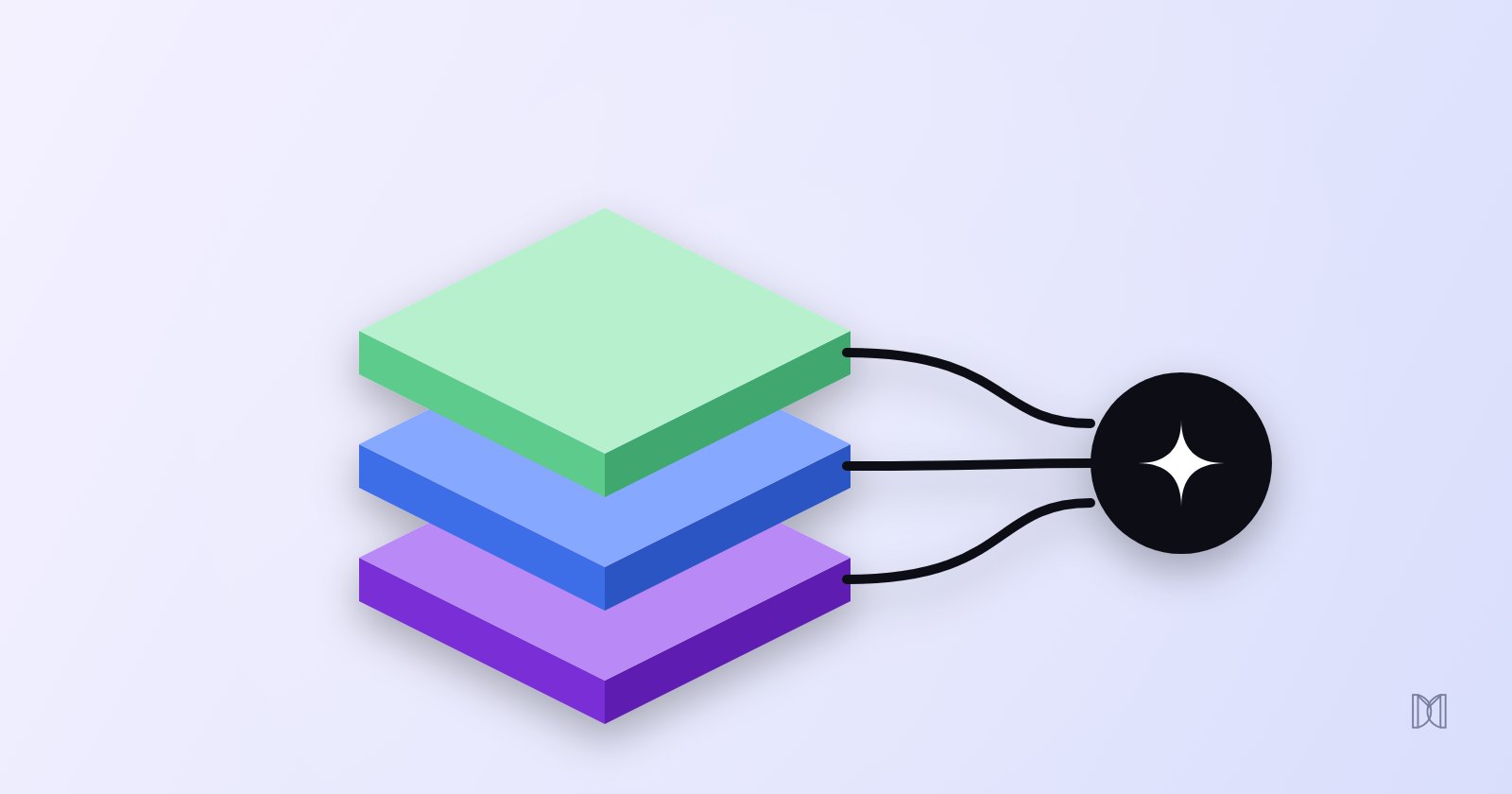
A business context layer sits between your systems and your agents. It models your key entities and how they relate, defines your vocabulary, applies each user's permissions, and packages processes as reusable skills. Your apps remain the systems of record; the context layer makes their data understandable and safe for agents to use.
The four parts
- Entities and relationships. Customers, accounts, orders, contracts, tickets, and how they connect. For example, which open tickets belong to the accounts renewing this quarter.
- Vocabulary. What your terms mean in your company. "Active customer," "qualified lead," or "at-risk account" need one definition, not three.
- Permissions. The agent sees only what the person it acts for is allowed to see, enforced by the systems themselves.
- Skills. Step-by-step instructions for recurring tasks, such as a renewal readiness check, written once and reused by any agent.
How it differs from search over documents
Retrieval over documents answers "what does the policy say?" A context layer can also answer "which of my accounts are affected, and what should happen next?" because it understands structured records and their links. Most real systems combine both.
Why do AI agents fail without business context?
Without good context, an agent fills the gaps with general knowledge and plausible guesses. The typical failures are answers built on stale or duplicated records, terms interpreted differently from how your team uses them, data from one system that cannot be matched to another, and processes the agent improvises instead of following.
The failures we see most
| Symptom | Underlying cause | Fix |
|---|---|---|
| Confident wrong numbers | Outdated views, test records, or duplicates in the source | Clean and scope the data the agent can see |
| "Active customer" means something different each time | No shared definition | A business glossary the agent reads |
| Cannot connect a ticket to an invoice | Different customer IDs in each system | Consistent identifiers or a mapping table |
| Shows data a user should not see | Agent uses a shared admin connection | Act with the requesting user's permissions |
| Different steps every time for the same task | Process lives only in people's heads | Write the process as a skill |
Configuration is context, including the stale parts
Work IQ is a useful illustration. Because it derives its model from existing views, forms, and relationships, the quality of its answers depends on how well that configuration has been maintained. Microsoft lets admins exclude outdated views and relationships and add vocabulary the system cannot infer. The same is true of any context layer: years of unpruned fields and reports become what the agent believes about your business.
How do you prepare your business data for AI agents?
Start with one domain and one process. Define its key terms, make identifiers consistent across the systems involved, connect those systems through reliable APIs with per-user permissions, write the process down as a skill, and test the agent against real questions with known answers before expanding.
A six-step preparation checklist
- Pick one domain. For example, renewals, support escalations, or purchase orders. Not "all company data."
- Define the vocabulary. Write down the ten terms that matter most in that domain and agree on one meaning for each.
- Fix identifiers. Make sure the same customer, product, or order can be matched across every system involved.
- Connect with permissions. Expose the data through APIs or an MCP server that acts with the requesting user's access, read-only to start.
- Encode the process. Turn the way your best person handles the task into written steps the agent follows.
- Test and measure. Build a set of 30 to 50 real questions with known answers, track accuracy and corrections, and re-run it after every data change.
Keep context and security together
The more context an agent has, the more it can expose or change. Every connection you add for context should come with the same controls you apply to any agent: scoped access, logs, and human approval for risky actions. Our guide on how to secure AI agents in production covers them.
Should you buy a platform context layer or build your own?
Use a platform context layer when most of the data for your process lives in one vendor's suite, such as Dynamics 365 or Jira and Confluence. Build a custom integration layer when the process spans several vendors, internal databases, and legacy systems. Many companies end up with both, connected through APIs and MCP.
| Platform context layer | Custom integration layer | |
|---|---|---|
| Fits when | The process lives mostly inside one suite | The process crosses several vendors and internal systems |
| Examples | Microsoft Work IQ, Atlassian Teamwork Graph and Rovo | Your own APIs, data contracts, and MCP servers |
| Speed to start | Fast, built on existing configuration | Slower, but shaped to your process |
| Control over definitions and logic | Within what the platform supports | Full |
| Main risk | Data outside the suite stays invisible | More to build and maintain |
A practical middle path
Keep each system's data where it lives, standardize identifiers and definitions across them, and expose the combined context through APIs and MCP servers. That way, platform agents and your own agents can draw on the same, consistent picture.
How we approach business context
When a client asks us for an agent, we usually start by mapping the data and processes it will depend on. Our integration work standardizes data contracts, auth patterns, and error handling across CRMs, payments, workspace tools, and internal platforms, so agents work from one consistent view (capabilities). See also how we build AI agents and our guide to AI agents vs automations vs LLM workflows.
Planning an agent for your team? Tell us the process and the systems that hold its data, and we will tell you what context the agent needs and how to prepare it. Contact Dream Makers.
Sources
- Microsoft Dynamics 365 Blog, "Work IQ: Business and workplace intelligence in the flow of work" (Sep 25, 2026): microsoft.com
- OpenAI, "Atlassian and OpenAI expand partnership to turn enterprise knowledge into action" (Oct 6, 2026): openai.com/index/atlassian-partnership
- Channel Insider, "OpenAI and Atlassian Bring GPT-6 to Rovo" (Oct 7, 2026): channelinsider.com
- Model Context Protocol, "What is the Model Context Protocol (MCP)?": modelcontextprotocol.io
- Dream Makers, Capabilities: dreammakers.tech/en/capabilities
Frequently asked questions
What is business context for an AI agent?
It is the information an agent needs to act correctly in your company: your customers, orders, contracts, and tickets, how they relate, what your internal terms mean, which processes to follow, and what each user is allowed to see. Without it, an agent falls back on generic knowledge and guesses.
Is a context layer the same as RAG?
Not quite. Retrieval-augmented generation finds relevant documents and adds them to a prompt. A context layer goes further: it models structured records and their relationships, defines vocabulary, applies permissions, and packages processes as reusable skills. Retrieval is usually one part of it.
Do we need a data warehouse before deploying agents?
No. You need reliable access to the systems that hold the data for the first process you automate, consistent identifiers between them, and clear definitions of the key terms. A warehouse helps for analytics, but agents can work directly against well-integrated operational systems.
Should we use Microsoft Work IQ or Atlassian Rovo?
If most of the data for the process lives in Dynamics 365 and Microsoft 365, Work IQ is a strong starting point. If it lives in Jira and Confluence, Rovo and the Teamwork Graph are. When a process spans several vendors and internal systems, you usually need a custom integration layer, which can still expose its context to those platforms through MCP.
How do we measure if our context is good enough?
Build a test set of real questions and tasks with known correct answers, run the agent against it, and track accuracy, how often it asks for clarification, and how often a person has to fix its output. Re-run the set every time you change data sources or definitions.